Publish booking terms
Give customers the conditions they must accept before booking.
- Where to go
- Settings → Booking terms
- Access
- Owner or manager
 View full size
Step by step
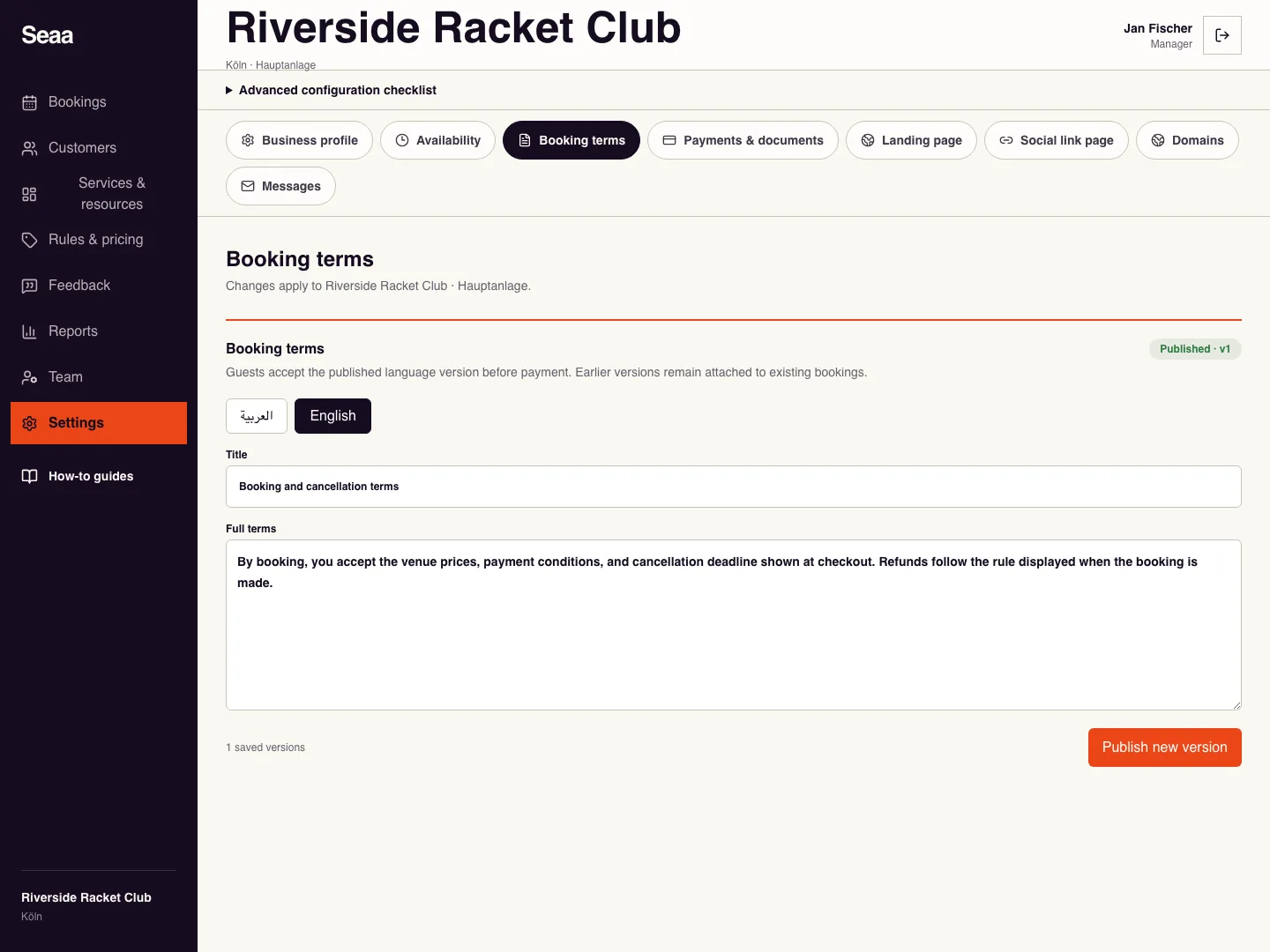
Open Booking terms and choose the language you want to publish.
Write the booking conditions clearly: what is included, arrival instructions, payment arrangements, and cancellation terms.
Check that the wording agrees with your actual hours, payment policy, and cancellation cutoff. Publish the version.
Repeat for each customer language and open the customer booking flow to read the terms before confirming.
Check it worked
The customer can read and accept the published terms at checkout.
Good to know
Publishing new terms does not rewrite the version already accepted for an earlier booking.
Reviewed 18 September 2026. Screenshots use fictional demo data; available actions depend on your role and enabled features.