Read feedback and respond to reviews
Filter booking feedback, reply publicly, and report abuse.
- Where to go
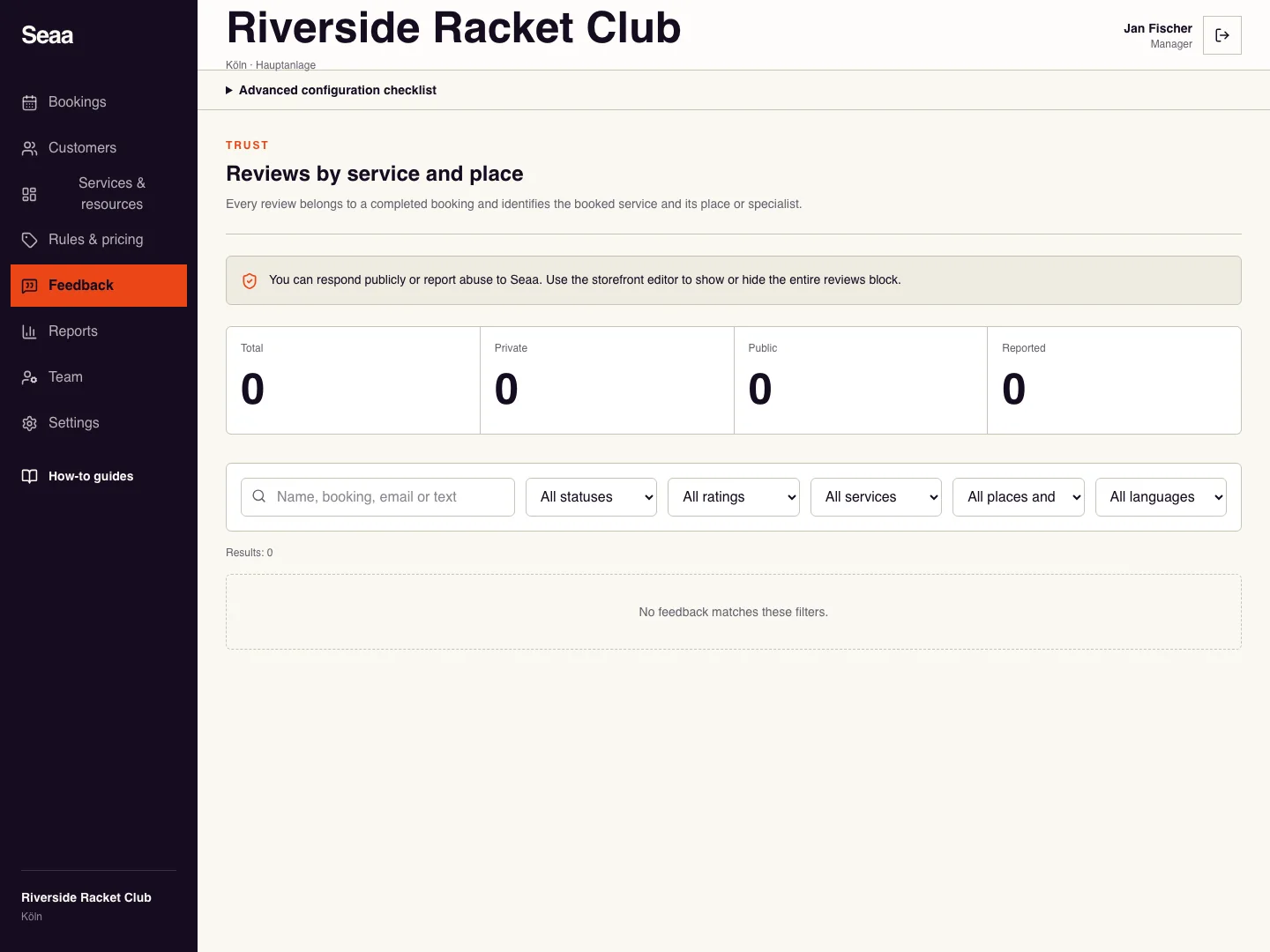
- Feedback
- Access
- Staff with access to this section
 View full size
Step by step
Open Feedback. Search for a booking or filter by status, rating, service, place/specialist, or language.
Read the feedback and its booking context. Private feedback is not publicly visible.
If your role allows it, write a factual public response without private customer details and Save response.
Use Report abuse to Seaa for inappropriate content. To show or hide the entire reviews section on your website, use the page composer and publish the change.
Check it worked
The response or report state appears on the intended review.
Good to know
Reviews belong to completed bookings. Hiding the website’s reviews block does not delete individual feedback.
Reviewed 20 September 2026. Screenshots use fictional demo data; available actions depend on your role and enabled features.