Set up your first bookable service
Go from a new workspace to a tested booking page.
- Where to go
- Dashboard → guided setup
- Access
- Owner or manager
 View full size
Step by step
Open Business sign in. Verify your Saudi mobile number, then create a workspace with your name, business name, contact email, city, and setup language.
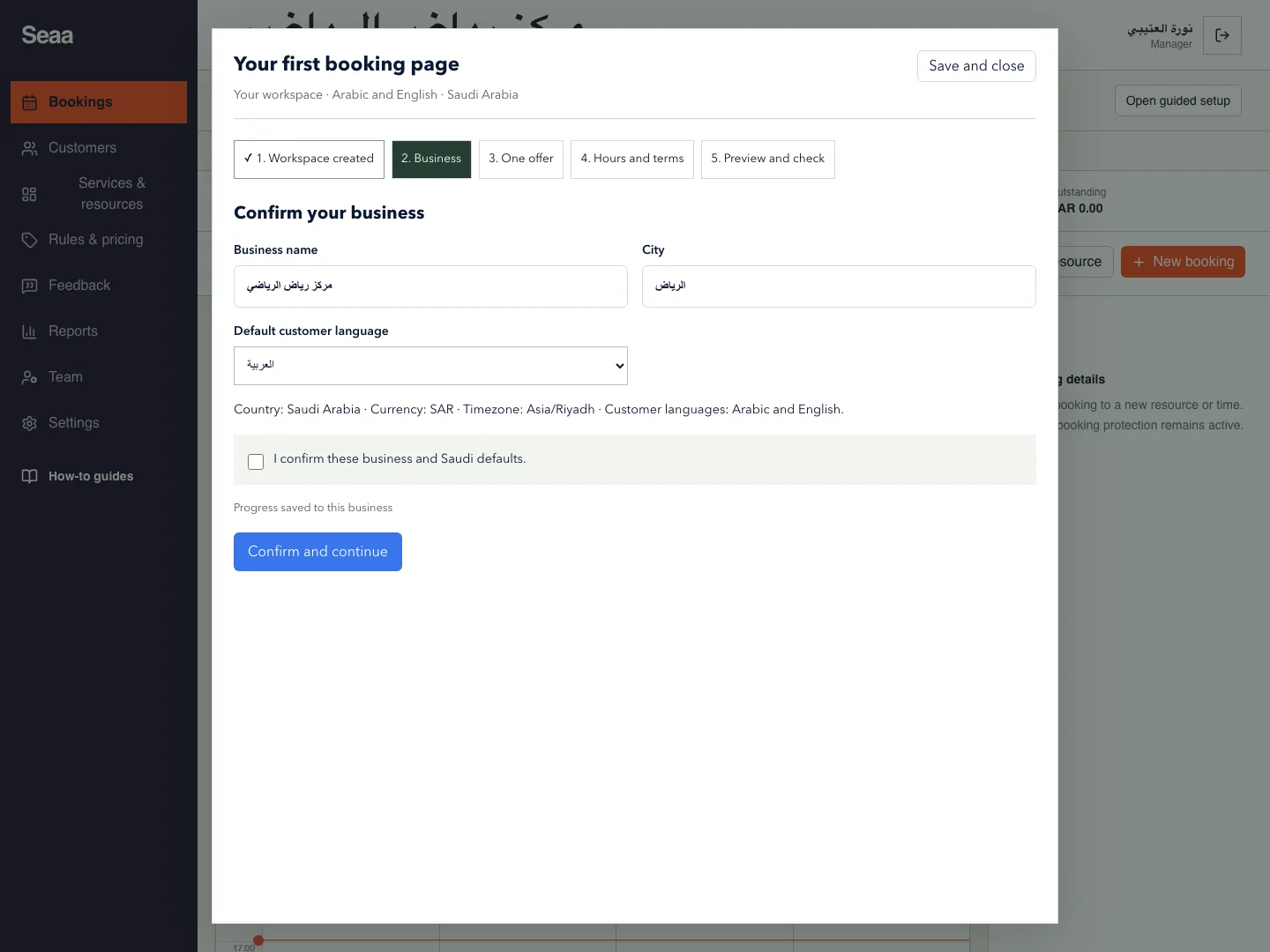
In guided setup, confirm the business details, Saudi riyal currency, Riyadh timezone, and customer language.
Add one offer: service name in both languages, the person or space, duration, price, and capacity. Choose Private for one booking at a time, or Shared for separate seat bookings.
Set working days, opening times, booking notice, and cancellation cutoff. Review and publish your booking terms.
Enter existing reservations and closures. Preview and publish the website, complete a customer booking, then check its time, price, and confirmation messages before sharing the link.
Check it worked
Your test booking appears in Bookings with the correct resource and amount.
Good to know
“Check availability only” does not create a booking or send messages. Complete an actual customer booking to finish the launch checks.
Reviewed 18 September 2026. Screenshots use fictional demo data; available actions depend on your role and enabled features.