Use the booking calendar
Complete calendar setup, find reservations, and switch between day, week, and month.
- Where to go
- Bookings
- Access
- Staff with access to this section
 View full size
Step by step
Open Bookings. If Your booking calendar needs setup appears because no bookable places or specialists are configured, owners and managers choose Add a place or specialist, then set up services and opening hours. Other staff should ask the owner or manager to complete setup.
If the workspace has no business location, choose Contact us. Platform administrators see Open platform administration instead. After setup, choose Refresh calendar; the calendar appears even before the first booking.
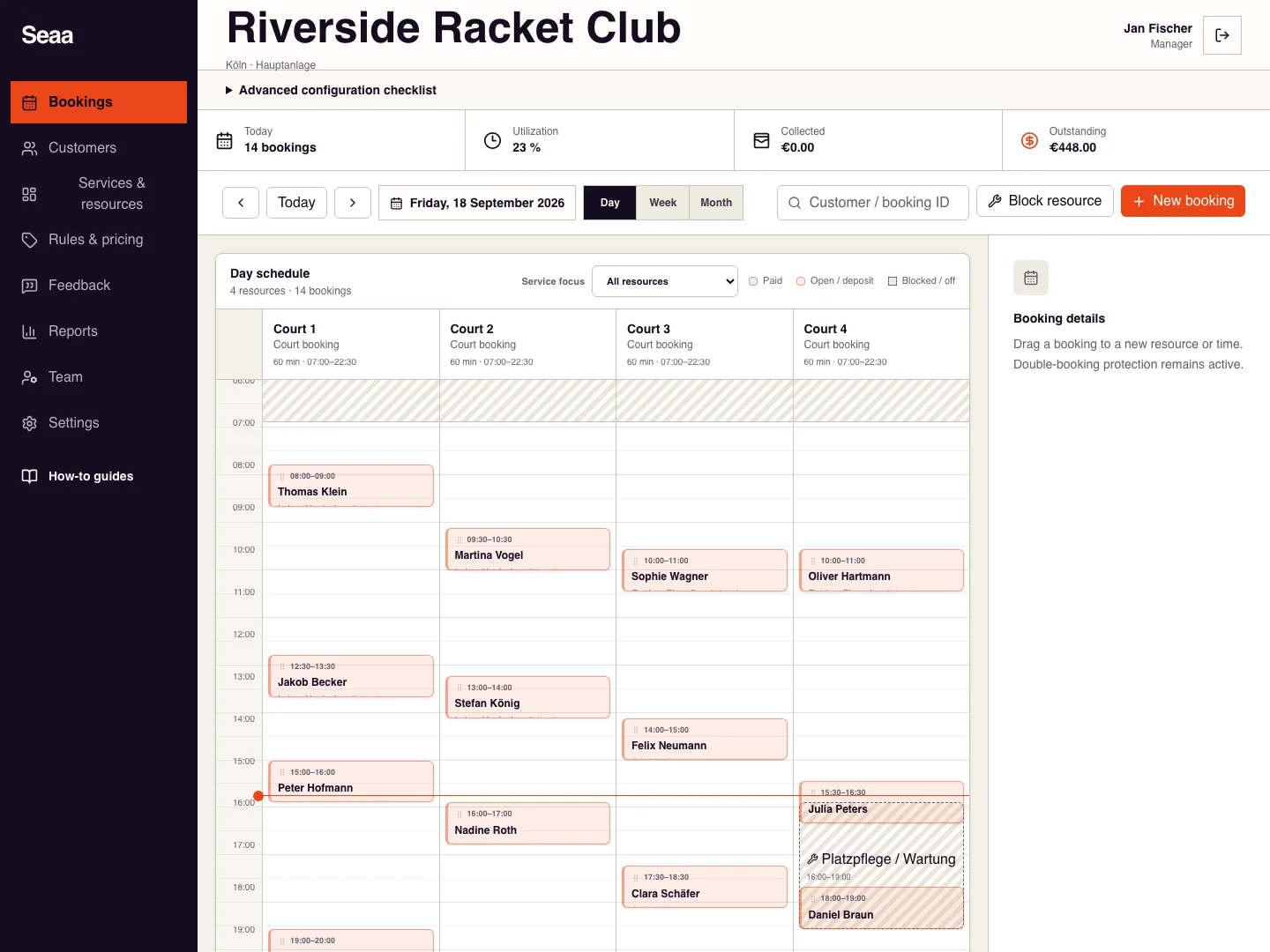
In the configured calendar, use Today, the date control, or previous/next arrows to move to the required period.
Choose Day for resource/time detail, Week for a wider view, or Month to find busy days.
Search by customer or booking identifier and use available filters to narrow the results.
Select a booking to open its details. Review status, participants, payments, and available actions before changing it.
Check it worked
A configured calendar appears even with no bookings. When you select a booking, the detail panel matches its date and details.
Good to know
Could not load the calendar means the request failed; choose Retry. It does not mean setup is missing. For a missing reservation, clear filters and check the date, business and location.
Reviewed 20 September 2026. Screenshots use fictional demo data; available actions depend on your role and enabled features.