Set opening hours and availability
Control the days and times customers can book.
- Where to go
- Settings → Availability
- Access
- Owner or manager
 View full size
Step by step
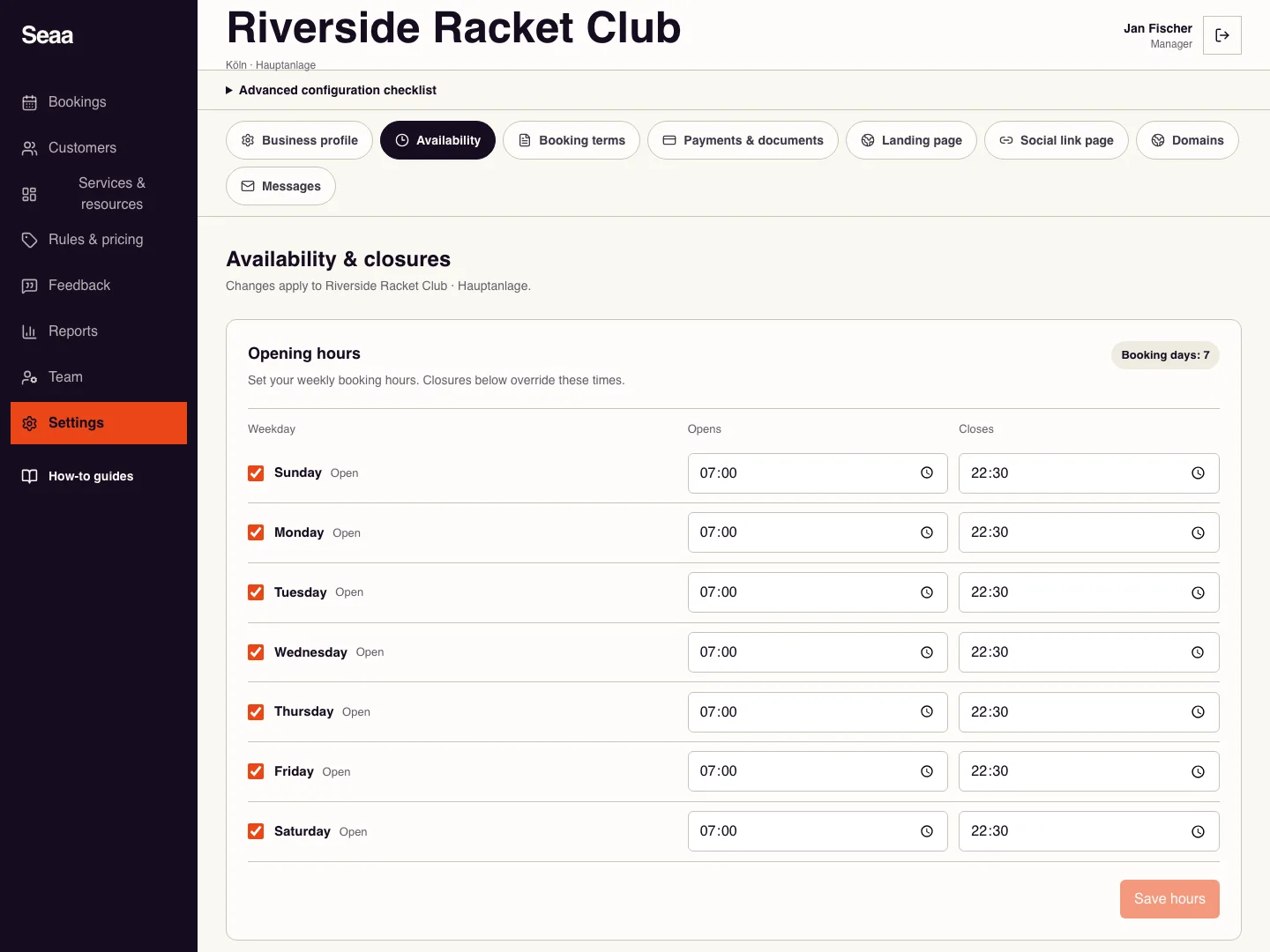
Open Settings → Availability and find the weekly opening-hours form.
Turn on working days and enter each day’s start and end times. Leave closed days off.
Save the hours. If a particular resource has a different schedule, edit its custom availability in Services & resources.
Open the booking page and test a working day and a closed day. Check that a full service duration fits inside the available period.
Check it worked
Customers see bookable times only where hours, resources, rules, and existing bookings allow them.
Good to know
For a holiday or one-off interruption, add a closure instead of changing the normal weekly schedule.
Reviewed 20 September 2026. Screenshots use fictional demo data; available actions depend on your role and enabled features.