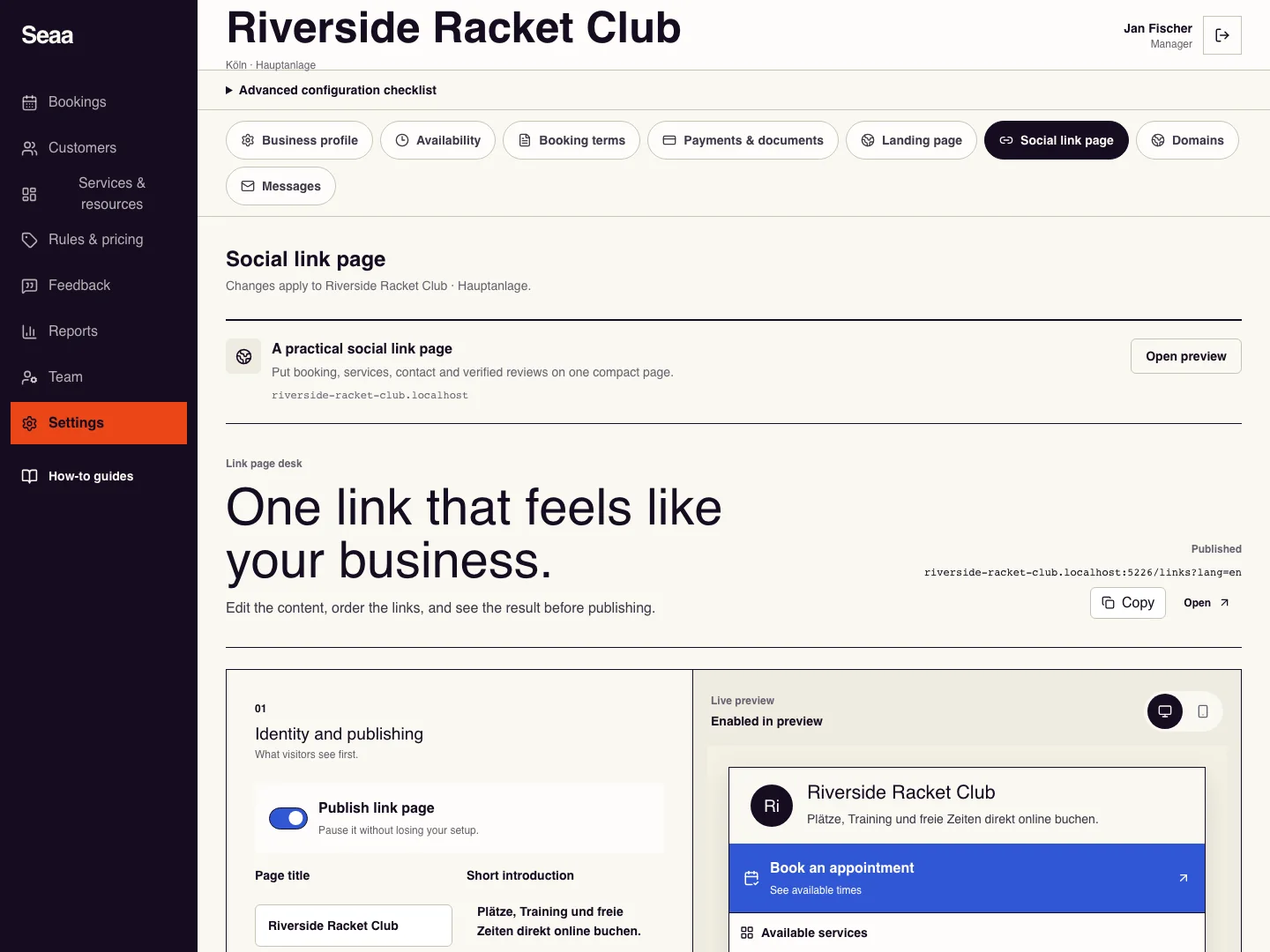
Create a social link page
Share one compact page for booking, social profiles, and contact.
- Where to go
- Settings → Social link page
- Access
- Owner or manager
 View full size
Step by step
Open Social link page and enter the page title and short introduction in the languages you use.
Add a social profile by choosing its platform and pasting its complete profile URL. Add other website links with a clear label and HTTPS address.
Choose a design in Template library and customise its services, colours and photos. Switching templates preserves your links and files. Inspect the preview.
Use Upload a PDF menu or offer for a public PDF up to 10 MB, then name and order its link. Never upload your private verification certificate here.
For a new business, first obtain document approval and publish the website. Then turn on Publish link page and choose Save link page. Open the saved public page and try every link, then copy its address into your social bio.
Check it worked
The public page opens without sign-in and its links lead to the intended destinations.
Good to know
Turning off publication pauses the page without deleting its setup. Unsaved preview changes are not public.
Reviewed 20 September 2026. Screenshots use fictional demo data; available actions depend on your role and enabled features.