Share a short link or download a QR code
Put a working booking link in your bio, messages, or printed materials.
- Where to go
- Settings → Landing page → One link for everywhere
- Access
- Owner or manager
 View full size
Step by step
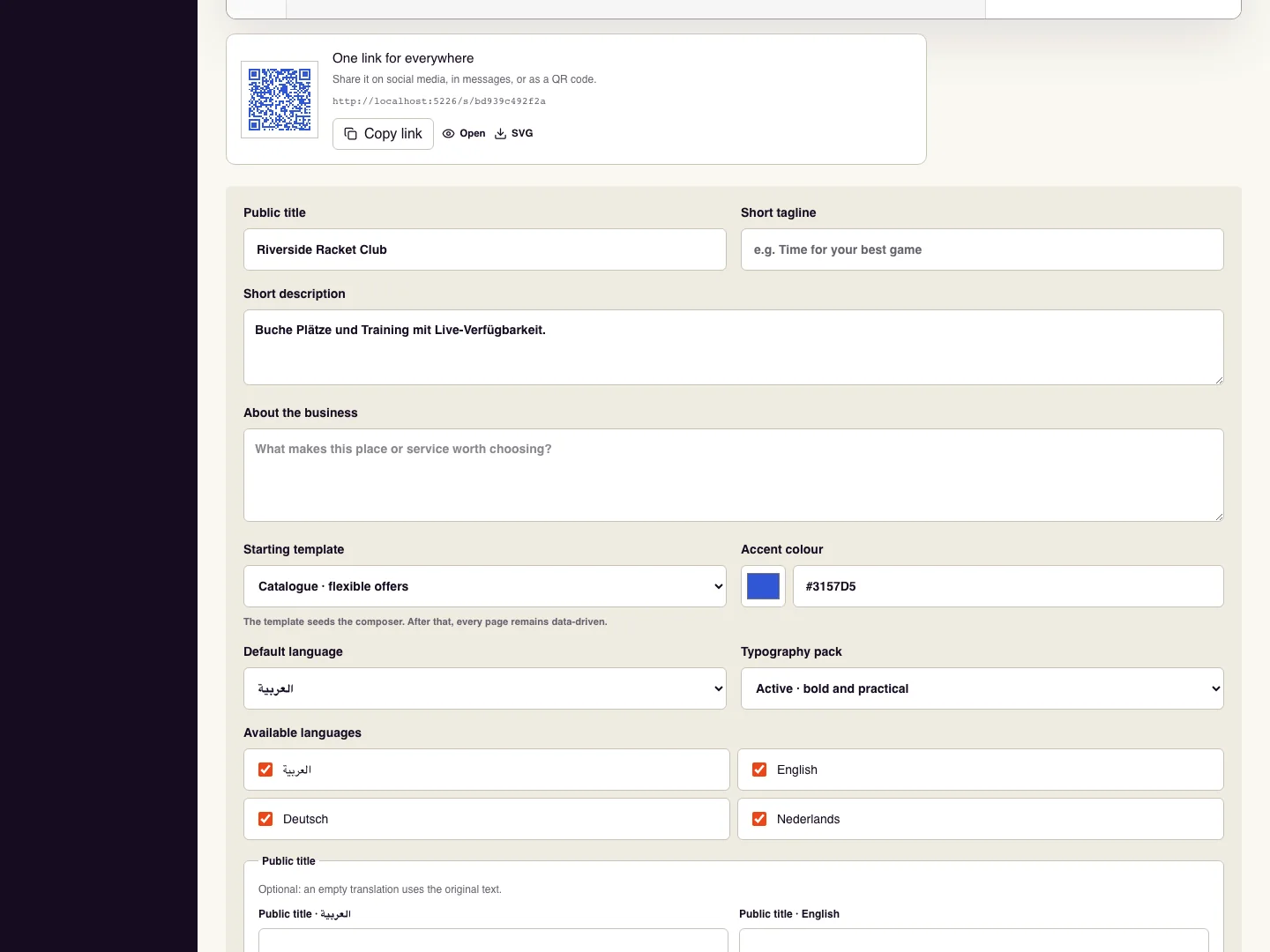
Publish the website first, then open its sharing panel in Landing page settings.
Choose Copy link and paste the short address into your social bio or message. Open it in a signed-out window to check the destination.
Download SVG to obtain the QR code for a sign, counter card, or printed flyer.
Scan the final printed or displayed code with a phone and complete the route to booking before distributing it.
Check it worked
Both the pasted link and scanned code open the intended published business page.
Good to know
Do not share a preview address or a customer’s private Manage booking link as your business link.
Reviewed 18 September 2026. Screenshots use fictional demo data; available actions depend on your role and enabled features.