Review performance and export reports
Check bookings, collected payments, cancellations, and refunds.
- Where to go
- Reports
- Access
- Staff with access to this section
 View full size
Step by step
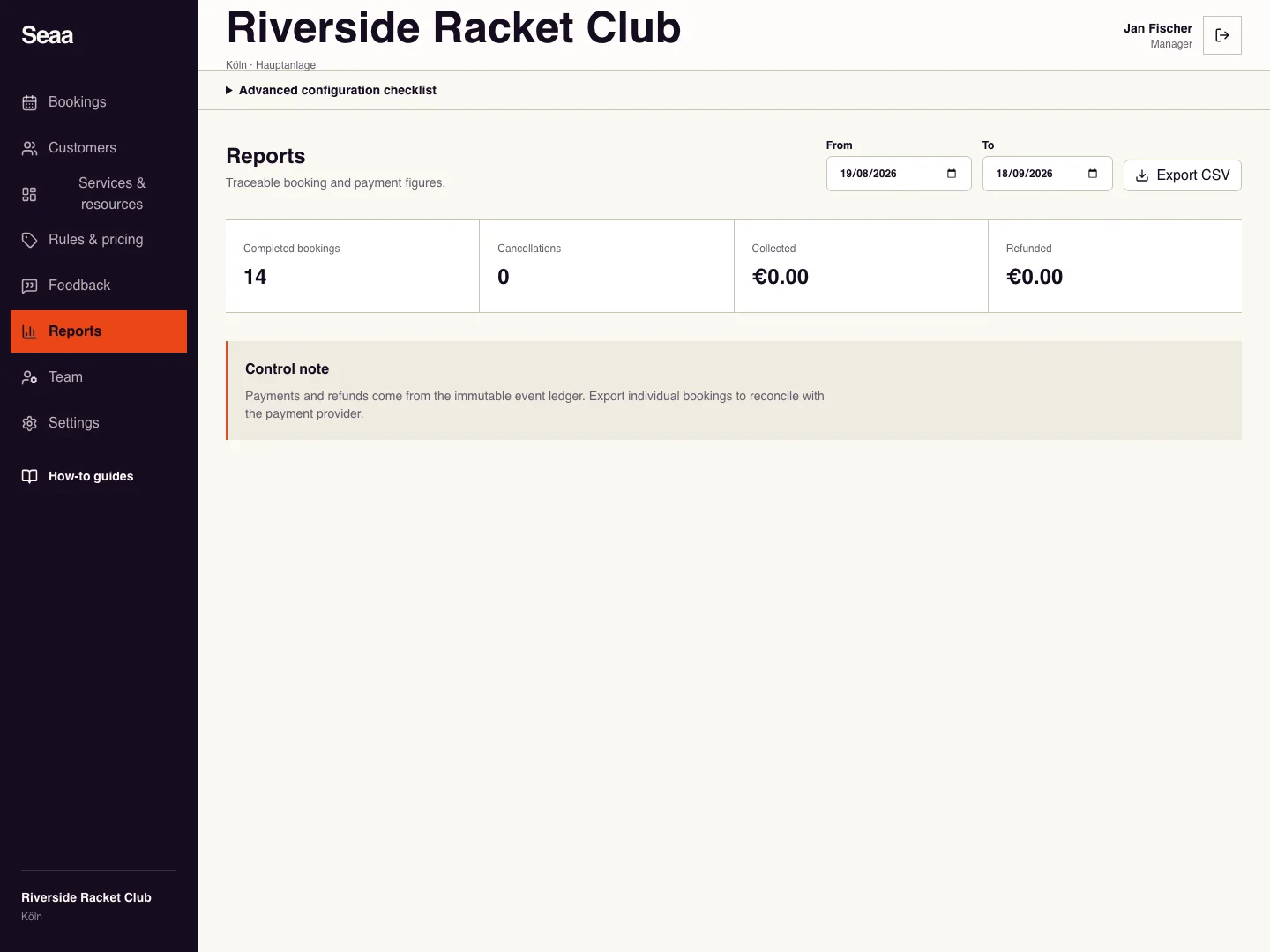
Open Reports and set From and To for the period you want to review.
Review completed bookings, cancellations, collected amounts, and refunds as separate figures.
Choose Export CSV and open the downloaded file in your spreadsheet application.
Compare individual booking/payment records with your cash records, bank statement, or enabled payment provider. Investigate differences using the booking history.
Check it worked
The export covers the selected period and its entries can be traced to bookings.
Good to know
Booking value and collected money are different measures. A pay-later booking may still have an outstanding balance.
Reviewed 20 September 2026. Screenshots use fictional demo data; available actions depend on your role and enabled features.